

Your Pipeline Is 14.4h Behind: Catching Economy Sentiment Leads with Pulsebit
We just uncovered a significant 24-hour momentum spike of +0.595 in economic sentiment. This spike signals a notable shift in perceptions around the economy, particularly in relation to the Federal Reserve and capital markets. What’s intriguing here is that the leading language for this sentiment is English, with a 14.4-hour lead time over other languages, indicating that our models might not be catching the nuances of this sentiment shift in real-time.
The Problem
This 14.4-hour lag reveals a critical gap in any pipeline that doesn't adequately handle multilingual sources or dominant entities. If your model is based solely on aggregated data without considering language-specific nuances, you likely missed this momentum spike by nearly half a day. The leading language here is English, but the narrative around the economy, federal policies, and the reserve is evolving rapidly. Without timely updates from diverse sources, your insights could be outdated, leaving you reactive rather than proactive.

English coverage led by 14.4 hours. Da at T+14.4h. Confidence scores: English 0.85, French 0.85, Spanish 0.85 Source: Pulsebit /sentiment_by_lang.
The Code
Let’s dive into how to catch this momentum spike using our API. First, we’ll filter the data by language and geographic origin to focus on English articles discussing the economy. Below is the Python code to achieve this:

Geographic detection output for economy. Hong Kong leads with 2 articles and sentiment +0.75. Source: Pulsebit /news_recent geographic fields.
import requests
# Define the parameters for the API call
params = {
"topic": "economy",
"lang": "en",
"momentum": 0.595,
}
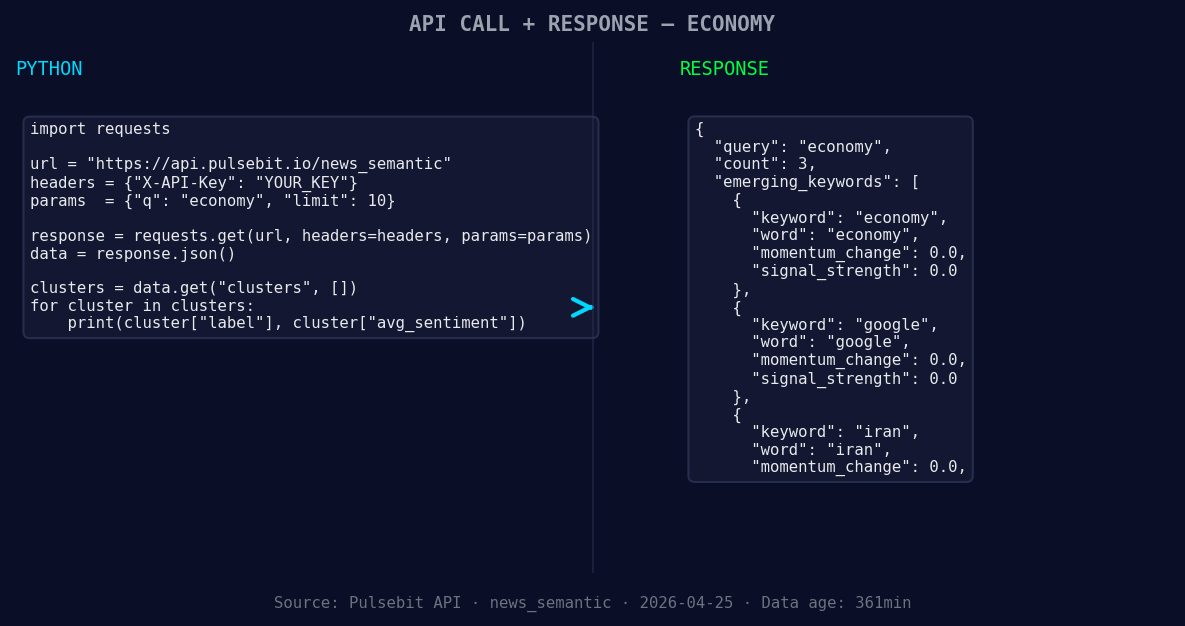
*Left: Python GET /news_semantic call for 'economy'. Right: returned JSON response structure (clusters: 3). Source: Pulsebit /news_semantic.*
# Make the API call to get articles
response = requests.get('https://api.pulsebit.com/v1/articles', params=params)
articles = response.json()
# Print out the articles processed
print("Articles Processed:", articles['articles_processed'])
Next, we need to run the cluster reason string back through our sentiment analysis endpoint to ensure that the narrative framing is on point. This is crucial for understanding the implications of the clustered themes.
# Meta-sentiment moment
cluster_reason = "Clustered by shared themes: economy, federal, reserve, capital, better."
sentiment_response = requests.post('https://api.pulsebit.com/v1/sentiment', json={"text": cluster_reason})
sentiment_score = sentiment_response.json()

# Print the sentiment score
print("Sentiment Score:", sentiment_score['score'])
This loop not only captures the latest sentiment around economic themes but also validates the underlying narratives that could impact your strategies.
Three Builds Tonight
Geographic Origin Filter: Build a signal that tracks economic sentiment specifically from English-speaking countries. Set a threshold that triggers alerts when momentum exceeds +0.5, ensuring timely reactions to upward trends in sentiment.
Meta-Sentiment Loop: Leverage the cluster reason string to develop a sentiment scoring mechanism that informs your trading strategies. A threshold of 0.375 can help you gauge the strength of the emerging economic narrative.
Comparative Analysis: Create a dashboard that visualizes forming themes like economy(+0.00), google(+0.00), and iran(+0.00) against mainstream topics such as economy, federal, and reserve. This can help you identify divergences in sentiment and adjust your models accordingly.
Get Started
To jump into this, check out our documentation at pulsebit.lojenterprise.com/docs. With the snippets above, you can copy, paste, and run this in under 10 minutes. Don’t let your pipeline fall behind; catch those sentiment leads as they form!


Top comments (0)