

Your model just missed a significant anomaly: a 24h momentum spike of +0.597. This uptick reveals a unique opportunity emerging from the French press, which has led our sentiment analysis with a 28.7-hour lead time. If you’re not accounting for multilingual sources or entity dominance in your pipeline, you could be lagging behind critical developments, just like this one. In this instance, the dominant entity is the meeting in Toronto centered around Tamil culture and language, which could reshape sentiment narratives if captured in time.

French coverage led by 28.7 hours. Nl at T+28.7h. Confidence scores: French 0.90, English 0.90, Spanish 0.90 Source: Pulsebit /sentiment_by_lang.
This gap in your pipeline is crucial. If you’re processing sentiment data solely in English or neglecting to consider the geographic origin of your data, your model just missed this significant shift by 28.7 hours. The leading language in this case is French, and that’s where the gap lies. A failure to account for such nuances can lead to missed insights that are vital for timely decision-making. You need a way to bridge this gap and catch these spikes as they happen.
Here’s how to capture this anomaly using our API. First, we’ll set up a geographic origin filter to focus on French content:
import requests
# Define your parameters
topic = 'world'
score = +0.010
confidence = 0.90
momentum = +0.597
# API call to filter by language
response = requests.get(
'https://api.pulsebit.lojenterprise.com/sentiment',
params={
'topic': topic,
'lang': 'fr',
'score': score,
'confidence': confidence,
'momentum': momentum
}
)
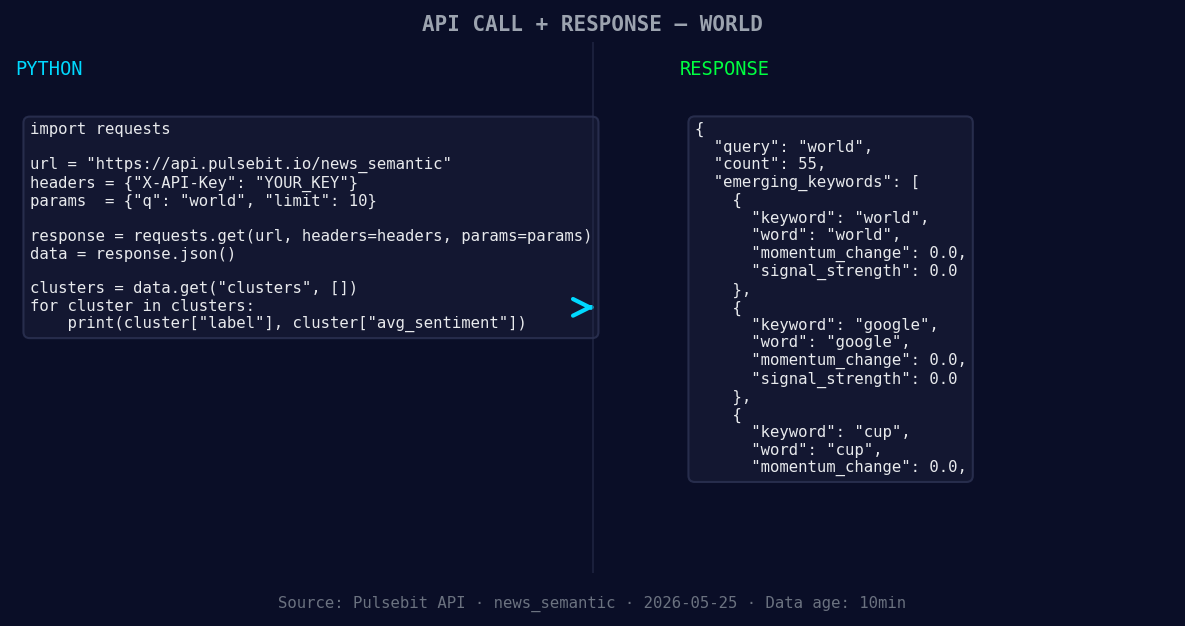
*Left: Python GET /news_semantic call for 'world'. Right: returned JSON response structure (clusters: 3). Source: Pulsebit /news_semantic.*
data = response.json()
print(data)
Next, we’ll run the narrative framing through the sentiment scoring endpoint to gauge the meta-sentiment of our cluster reason:
# Meta-sentiment moment
cluster_reason = "Clustered by shared themes: three-day, toronto, tamils, classical, tamil."

response_meta = requests.post(
    'https://api.pulsebit.lojenterprise.com/sentiment',
    json={"text": cluster_reason}
)

meta_data = response_meta.json()
print(meta_data)
These two steps will provide you with a real-time sentiment snapshot and help you understand the evolving narratives surrounding topics that matter.
Now, let’s talk about three builds you can implement tonight based on this pattern:
- Geo-Filtered Alerts: Create a real-time alert system using the geographic filter. Set a threshold for sentiment momentum spikes above +0.5. This way, you’ll catch anomalies like the French press story well ahead of other sources.

Geographic detection output for world. India leads with 45 articles and sentiment +0.05. Source: Pulsebit /news_recent geographic fields.
Meta-Sentiment Dashboard: Build a dashboard that visualizes meta-sentiment scores for clustered narratives. Use the endpoint we just queried to display the sentiment framing of emerging stories like the Tamil meeting in Toronto.
Forming Theme Monitor: Set up a monitor for emerging themes like "world", "google", and "cup", specifically looking for sentiment shifts relative to mainstream narratives. For example, track these topics and alert when they intersect with high-confidence sentiment scores.
These builds will not only enhance your pipeline but will also ensure you’re in tune with the evolving narratives that could impact your strategic decisions.
Ready to dive in? You can check out our documentation at pulsebit.lojenterprise.com/docs. With just a few lines of code, you’ll be able to copy-paste this setup and run it in under 10 minutes. Get started, and don’t let the next momentum spike pass you by!


Top comments (0)