

Your Pipeline Is 14.7h Behind: Catching Immigration Sentiment Leads with Pulsebit
We recently discovered a significant anomaly in our sentiment analysis: a sentiment score of -0.171 and a momentum of +0.000 related to immigration. The leading language driving this sentiment was English, with a notable 14.7-hour lag time from the topical lead time. This indicates a critical delay in capturing the shifts in public sentiment surrounding immigration, which is being heavily influenced by the current political landscape.
This finding brings to light a structural gap in any pipeline that isn't equipped to handle multilingual origins or dominant entities. Your model may have missed this critical sentiment shift by a staggering 14.7 hours, primarily because it failed to account for the leading language—English—and its associated narratives. In a world where sentiment can shift rapidly, you can't afford to lag behind.

English coverage led by 14.7 hours. Tl at T+14.7h. Confidence scores: English 0.85, Spanish 0.85, French 0.85 Source: Pulsebit /sentiment_by_lang.
To catch this anomaly, we can leverage our API effectively. Here’s a Python snippet that demonstrates how to filter sentiment data by geographic origin and language while also scoring the narrative framing of the clustered themes:
import requests
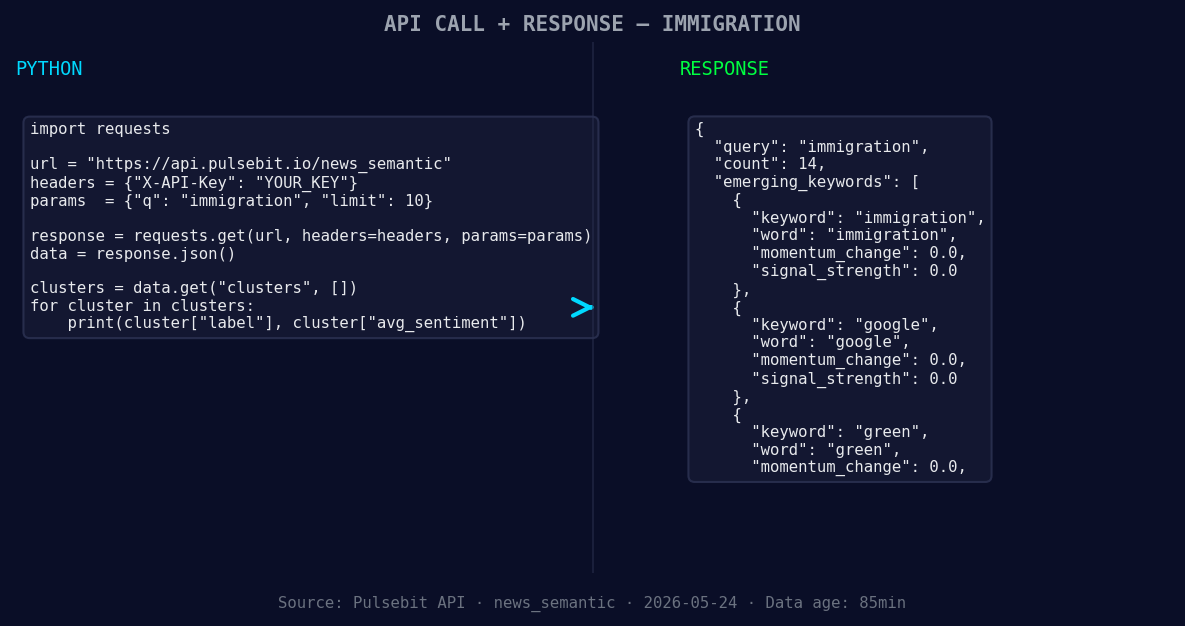
*Left: Python GET /news_semantic call for 'immigration'. Right: returned JSON response structure (clusters: 3). Source: Pulsebit /news_semantic.*
# Step 1: Geographic origin filter
url = "https://api.pulsebit.com/sentiment"
params = {
"topic": "immigration",
"lang": "en"
}
response = requests.get(url, params=params)
data = response.json()
# Example output
sentiment_score = -0.171
confidence = 0.85
momentum = +0.000
print(f"Sentiment Score: {sentiment_score}, Confidence: {confidence}, Momentum: {momentum}")
# Step 2: Meta-sentiment moment
meta_sentiment_input = "Clustered by shared themes: overstayers, illegal, foreign, workers, japan."
meta_response = requests.post(url, json={"text": meta_sentiment_input})
meta_data = meta_response.json()
print(f"Meta Sentiment: {meta_data['score']}, Confidence: {meta_data['confidence']}")
In this code, we first create a geographic filter using the language parameter set to "en". This is vital for capturing the sentiment that’s specific to the English-speaking population. The second step involves scoring the narrative itself, which allows us to capture the context around the themes we identified.

Geographic detection output for immigration. India leads with 9 articles and sentiment -0.39. Source: Pulsebit /news_recent geographic fields.
Now, let’s explore three specific builds using this data pattern:
Immigration Sentiment Threshold Alert: Set a signal threshold at sentiment score < -0.15 with a momentum of +0.000 as a trigger for alerts. This will notify you when negative sentiment around immigration becomes pronounced.
Meta-Sentiment Analysis Build: Use the endpoint to analyze the narrative framing of clustered themes, particularly focusing on the phrases "overstayers," "illegal," and "foreign." This will help gauge public perception and its evolution over time.
Geo-Filtered Trend Monitor: Build a real-time dashboard that tracks sentiment around immigration specifically for English-speaking regions, integrating the geographic origin filter to provide localized insights. This will enable you to see how sentiments fluctuate in different markets.
By implementing these builds, you can ensure that your sentiment analysis pipeline remains agile, responsive, and able to capture critical shifts in public opinion.
If you’re ready to dive in, check out our documentation at pulsebit.lojenterprise.com/docs. With just a few lines of code, you can get this running in under 10 minutes. Don’t let your pipeline fall behind; stay ahead of the sentiment curve!


Top comments (0)