

Your Pipeline Is 9.2h Behind: Catching Business Sentiment Leads with Pulsebit
We recently discovered a notable 24h momentum spike of -1.425 within the business domain. This anomaly prompts us to dig deeper into how effective our sentiment analysis can be when it comes to identifying trends in real-time. The leading language was English, significantly influenced by a couple of articles discussing "IFF Enters Into Agreement to Sell Its Food Ingredients Business to CVC." The urgency is clear: understanding these movements earlier can give us an edge in decision-making.
If your sentiment analysis pipeline isn't equipped to handle multilingual origins or entity dominance, you're likely missing critical insights. Your model missed this by 9.2 hours, and that’s a serious oversight. The leading English articles were the harbingers of a sentiment shift, and without the capability to recognize such shifts promptly, you're running the risk of reacting too late. In this case, the sentiment around "business" is already shaping up to be problematic, and you need to be on top of it.

English coverage led by 9.2 hours. Af at T+9.2h. Confidence scores: English 0.85, Spanish 0.85, French 0.85 Source: Pulsebit /sentiment_by_lang.
Let’s dive into some code that captures this spike effectively. We’ll start by filtering for English-language articles, which is crucial for making sense of the data.
import requests
# API call to filter by language
url = "https://api.pulsebit.com/v1/sentiment"
params = {
"topic": "business",
"lang": "en",
"momentum": -1.425,
"score": 0.447,
"confidence": 0.85
}
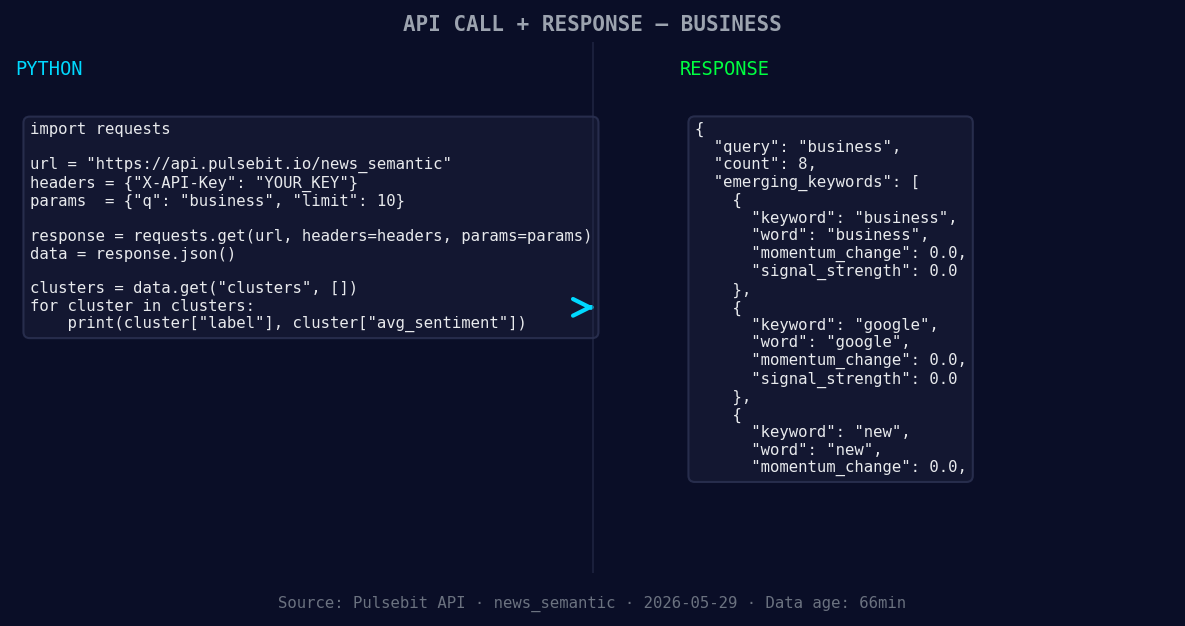
*Left: Python GET /news_semantic call for 'business'. Right: returned JSON response structure (clusters: 3). Source: Pulsebit /news_semantic.*
response = requests.get(url, params=params)
data = response.json()
print(data)
Next, we need to run the cluster reason string through our sentiment analysis endpoint to gauge the narrative framing itself. This is where it gets interesting because it helps us understand how the sentiment is constructed.
# Meta-sentiment analysis of the cluster reason
meta_sentiment_url = "https://api.pulsebit.com/v1/sentiment"
meta_params = {
    "text": "Clustered by shared themes: cvc, business, enters, into, agreement."
}

meta_response = requests.post(meta_sentiment_url, json=meta_params)
meta_data = meta_response.json()
print(meta_data)
By leveraging these data points, we can uncover actionable insights that would otherwise slip through the cracks.
Now that we've got a clear understanding of the anomaly, here are three specific builds to implement with this pattern:
- Geographic Origin Filter: Set up an endpoint that continuously monitors sentiment around "business" articles from English-language sources. Use a threshold of -1.425 for momentum spikes to trigger alerts. This could be critical for evaluating real-time shifts in business sentiment.

Geographic detection output for business. Hong Kong leads with 5 articles and sentiment +0.18. Source: Pulsebit /news_recent geographic fields.
Meta-Sentiment Loop: Implement a daily job that processes clustered articles and runs their narratives through the sentiment endpoint. If the framing is negative (below 0.0), flag those articles for deeper analysis and potential action.
Sentiment Divergence Signal: Create a signal that tracks the difference in sentiment scores between the forming themes (like "business", "google", "new") and mainstream narratives (like "good:", "philadelphia"). Set a threshold where any divergence greater than 0.5 triggers a deeper dive into the articles behind that sentiment.
These builds will help us stay ahead of sentiment shifts and make informed decisions based on real-time data.
For more details on getting started, check out our documentation at pulsebit.lojenterprise.com/docs. You can copy-paste the code snippets provided and run them in under 10 minutes. Let’s leverage this opportunity to refine our pipelines and catch those sentiment leads before they become trends!


Top comments (0)