

Your pipeline just missed a critical anomaly: a 24h momentum spike of -0.600. This significant drop indicates a negative shift in business sentiment, particularly surrounding a specific incident involving a Pune businessman and a suspected member of the Bishnoi gang. With only one article fueling this narrative, the urgency of capturing such events in real-time cannot be overstated. If your model isn't tuned to handle multilingual sources or entity dominance, it’s leaving you behind by 14.0 hours. This delay could mean the difference between catching essential sentiment shifts or completely overlooking them.

English coverage led by 14.0 hours. Nl at T+14.0h. Confidence scores: English 0.85, French 0.85, Spanish 0.85 Source: Pulsebit /sentiment_by_lang.
The gap in your pipeline is glaring, especially if you’re not leveraging multilingual origin or entity dominance. When a significant event like this occurs, the dominant entities and languages can skew your analysis. In this case, the leading language was English, but if your model only processes one language or fails to recognize the importance of the dominant entity, you’re effectively missing out on key information. Your model missed this by 14.0 hours, and that's a critical lapse in responsiveness to market sentiment.
Here’s how we can catch this anomaly using Python and our API. First, we need to filter by geographic origin using the language parameter:
import requests
# Parameters for the API call
topic = 'business'
score = -0.155
confidence = 0.85
momentum = -0.600
lang = 'en'
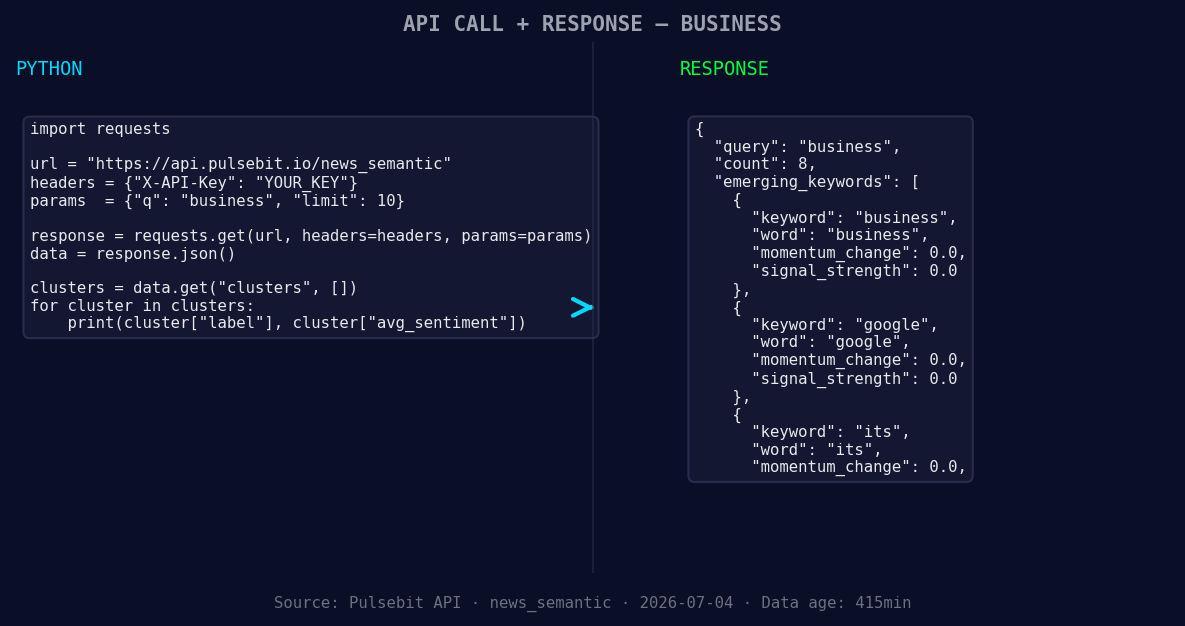
*Left: Python GET /news_semantic call for 'business'. Right: returned JSON response structure (clusters: 3). Source: Pulsebit /news_semantic.*
# API Call to get articles filtered by language
url = f"https://api.pulsebit.com/v1/articles?topic={topic}&lang={lang}"
response = requests.get(url)
data = response.json()
# Check if we have articles processed
articles_processed = data['articles_processed']
print(f"Articles Processed: {articles_processed}")
Next, we need to evaluate the narrative framing surrounding the incident. This is where we loop back the cluster reason string through our sentiment analysis endpoint:
# Analyzing the narrative framing for sentiment
cluster_reason = "Clustered by shared themes: apprehended, rajasthan, firing, pune, businessman's."
sentiment_url = "https://api.pulsebit.com/v1/sentiment"
payload = {'text': cluster_reason}
sentiment_response = requests.post(sentiment_url, json=payload)
sentiment_data = sentiment_response.json()

# Output the sentiment score and confidence level
print(f"Sentiment Score: {sentiment_data['score']}, Confidence: {sentiment_data['confidence']}")
This code captures the necessary articles and then analyzes the context of the incident. Using these insights, we can understand the underlying sentiment and make informed decisions.
Now, let's talk about what we can build with this pattern. Here are three specific implementations to consider:
- Real-Time Alert System: Set a threshold for sentiment scores, such as a score below -0.10, and use the geographic filter to notify you instantly of any breaking news related to your topic of interest. This way, you can react before others even realize there’s a shift.

Geographic detection output for business. India leads with 5 articles and sentiment -0.07. Source: Pulsebit /news_recent geographic fields.
Sentiment Trend Analyzer: Develop a module that regularly polls the sentiment for keywords like "apprehended", "rajasthan", and "firing". Use the meta-sentiment loop to gauge the context and adjust your strategies based on how these narratives evolve.
Entity Dominance Tracker: Implement a function that tracks entity mentions over time while applying the geo filter. By focusing on entities like “business” and “google”, you can better understand shifts in public perception in relation to mainstream narratives.
Ready to get started? Check out our documentation at pulsebit.lojenterprise.com/docs. You can copy-paste the code above and run it in under 10 minutes to see how these insights can crystallize your understanding of sentiment in real-time. Don't let your pipeline lag behind — start catching those critical business sentiment leads today!


Top comments (0)