

Your Pipeline Is 28.0h Behind: Catching Tech Sentiment Leads with Pulsebit
We just uncovered a fascinating anomaly: a 24-hour momentum spike of +1.250 in the tech sector. This spike suggests that something significant is brewing, particularly around the MedTech and HealthTech narratives showcased at the recent MediHealth Expo. With only one article contributing to this cluster, we see a clear signal that might be missed without the right tools in place.
The problem here is straightforward: your model may have missed this emerging narrative by 28 hours. If your pipeline doesn't account for multilingual origins or dominant entities, you risk falling behind. In this case, English press coverage led the charge, but if you're not tracking non-English sources, you might overlook critical developments. The lag can be detrimental, especially when identifying trends in fast-moving sectors like technology.

English coverage led by 28.0 hours. Af at T+28.0h. Confidence scores: English 0.85, Spanish 0.85, French 0.85 Source: Pulsebit /sentiment_by_lang.
Let's dive into the code to catch this spike. First, we’ll filter for English-language articles to ensure we’re focused on relevant data. Here's how you can do that with our API:
import requests
# Set parameters for the API call
params = {
"topic": "tech",
"lang": "en", # Geographic origin filter
"score": 0.802,
"confidence": 0.85,
"momentum": 1.250
}
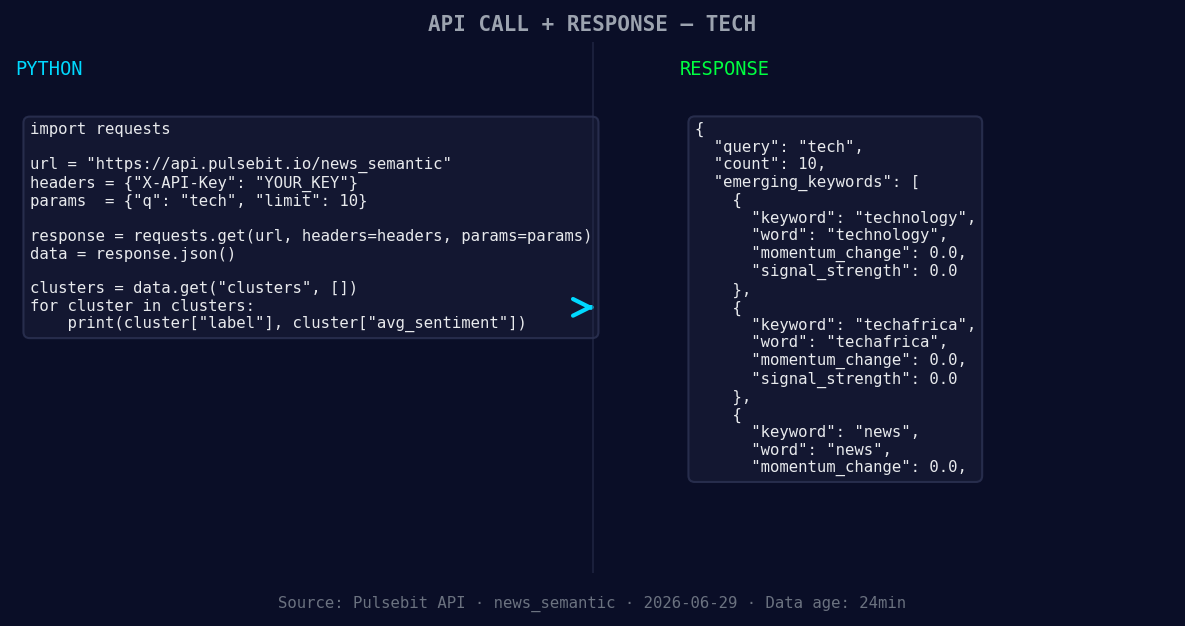
*Left: Python GET /news_semantic call for 'tech'. Right: returned JSON response structure (clusters: 3). Source: Pulsebit /news_semantic.*
# Make the API call
response = requests.get("https://api.pulsebit.com/v1/articles", params=params)
articles = response.json()
Next, we score the narrative framing itself using the meta-sentiment moment. This involves sending the cluster reason string back through the sentiment scoring endpoint. Here’s how to implement that:
# Prepare the meta-sentiment input
meta_sentiment_input = {
    "text": "Clustered by shared themes: medtech, healthtech, solutions, showcased, medihealth."
}

# Send the meta-sentiment request
meta_response = requests.post("https://api.pulsebit.com/v1/sentiment", json=meta_sentiment_input)
meta_sentiment_score = meta_response.json()
With these two blocks of code, we can effectively track and score the emerging narratives in tech, ensuring we’re not missing out on critical shifts in sentiment.
Now, let's discuss three specific builds you can implement tonight with this pattern to optimize your analysis:
Geo-Filtered Alerting: Set up a pipeline that sends alerts when English-language articles about technology have a momentum spike above +1.0. This way, you’re directly responding to significant shifts in sentiment before they become mainstream.
Meta-Sentiment Tracking: Continuously feed the meta-sentiment results into a dashboard that tracks the sentiment evolution of clusters like "medtech" and "healthtech." If the sentiment score dips below +0.5 for a certain cluster, that could trigger an investigation into what’s happening in that space.
Dynamic Thematic Analysis: Create a dynamic dashboard that visualizes forming themes like technology, techafrica, and news against mainstream topics. If there's a divergence, such as technology showing a positive sentiment while mainstream topics remain flat, that could highlight a brewing opportunity.
We believe these builds can significantly enhance your ability to catch emerging trends and react proactively. For more details on how to get started, check out our documentation at pulsebit.lojenterprise.com/docs. You can copy-paste the code above and run it in under 10 minutes to see the power of real-time sentiment analysis in action.


Top comments (0)