

Your Pipeline Is 26.6h Behind: Catching World Sentiment Leads with Pulsebit
We just uncovered a striking anomaly: a 24-hour momentum spike of +0.229 tied to the topic of "world." This spike comes with an intriguing cluster story titled "Argentina vs Spain: World Cup fever grips U.S. ahead of 2026 final." The leading language is English, showing a 26.6-hour lead time with no lag against the sentiment cycle. With only one article contributing to this surge, it highlights a crucial moment in the narrative landscape that you might be missing in your current setup.
The Problem
If your sentiment analysis pipeline isn't handling multilingual origin or entity dominance effectively, you may have missed this spike by over 26 hours. In particular, the dominant entity here, "Argentina," is being overshadowed by the broader themes of "world," "cup," and "final." This is not just a minor oversight; it's a significant gap that can lead to delayed insights and missed opportunities. When your model is not equipped to recognize the nuances across languages and themes, you risk falling behind the curve in fast-moving narratives.

English coverage led by 26.6 hours. Cy at T+26.6h. Confidence scores: English 0.75, Spanish 0.75, Sv 0.75 Source: Pulsebit /sentiment_by_lang.
The Code
To catch this anomaly, we can utilize our API effectively. Below is the Python code snippet that demonstrates how to query for this data.
import requests
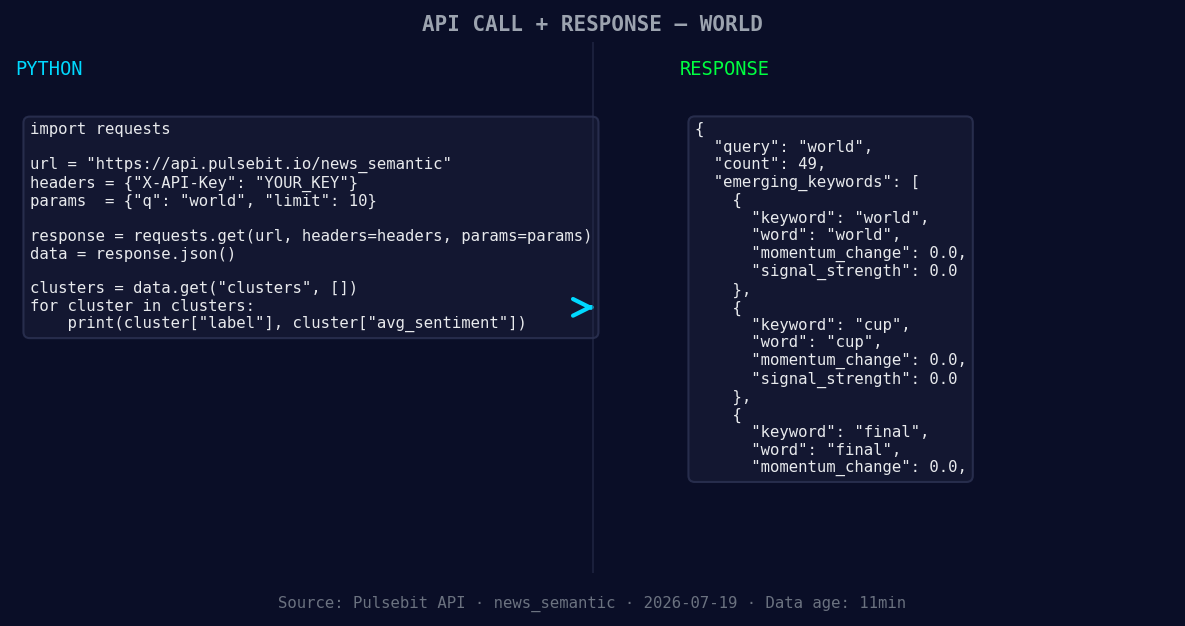
*Left: Python GET /news_semantic call for 'world'. Right: returned JSON response structure (clusters: 3). Source: Pulsebit /news_semantic.*
# Step 1: Geographic origin filter
url = "https://api.pulsebit.com/sentiment"
params = {
"topic": "world",
"lang": "en",
"score": 0.075,
"confidence": 0.75,
"momentum": 0.229
}
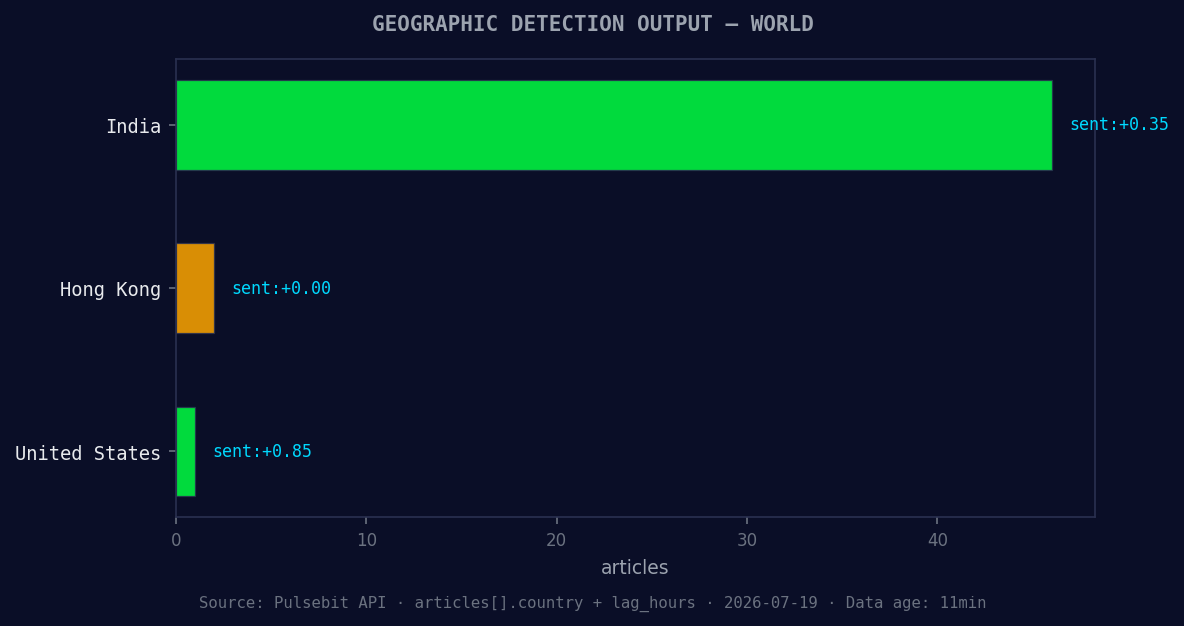
*Geographic detection output for world. India leads with 46 articles and sentiment +0.35. Source: Pulsebit /news_recent geographic fields.*
response = requests.get(url, params=params)
data = response.json()
# Print response for verification
print(data)
Next, we need to score the narrative framing itself based on the cluster reason string. This is what makes this analysis unique and actionable.
# Step 2: Meta-sentiment moment
meta_sentiment_input = "Clustered by shared themes: argentina, world, cup, 2026, final."
meta_sentiment_url = "https://api.pulsebit.com/sentiment"
meta_sentiment_response = requests.post(meta_sentiment_url, json={"text": meta_sentiment_input})

# Print the sentiment score for the cluster reason
print(meta_sentiment_response.json())
This approach not only captures the immediate sentiment but also contextualizes it within the prevailing narrative, ensuring that you stay ahead of the game.
Three Builds Tonight
Here are three specific builds you can implement using this pattern:
Geo-filtered Insight: Use the geographic origin filter to focus on sentiment around "world" in English-speaking regions. Set a threshold of +0.2 momentum to trigger alerts when sentiment spikes significantly.
Meta-Sentiment Loop: Employ the meta-sentiment loop with the cluster reason string you extracted. Score the narrative framing and set alerts for sentiment scores above +0.1 to capture emerging narratives effectively.
Forming Themes Tracker: Create a build that monitors the forming themes: "world," "cup," and "final," while comparing them against the mainstream mentions of "argentina, world, cup." Set a threshold of +0.05 for sentiment change to identify potential breakout topics before they trend.
Get Started
For more detailed guidance, head over to our documentation at pulsebit.lojenterprise.com/docs. You can copy-paste and run this setup in under 10 minutes, allowing you to dive directly into the world of sentiment analysis without any friction. This discovery could change how you interact with sentiment data, so don't miss out!


Top comments (0)