

Your Pipeline Is 23.7h Behind: Catching Fashion Sentiment Leads with Pulsebit
We recently discovered an intriguing anomaly: a 24h momentum spike of -0.226 in fashion sentiment. This value stands out in a sea of metrics, indicating a shift that you might not have caught in your pipeline. The leading language for this sentiment is English, with a notable 23.7-hour lead time over the sentiment's source, showing a critical delay in how we process multilingual data. If your model isn't tuned to handle these nuances, it likely missed this spike by nearly a full day.

English coverage led by 23.7 hours. Sw at T+23.7h. Confidence scores: English 0.85, Spanish 0.85, Id 0.85 Source: Pulsebit /sentiment_by_lang.
This structural gap highlights a common oversight in sentiment analysis pipelines that don't accommodate multilingual origins or entity dominance. Imagine your model working tirelessly, only to realize that it’s lagging behind by 23.7 hours. That’s a significant delay when it comes to capturing timely trends—especially in a fast-moving sector like fashion. The leading entity here is the English press, which is crucial for understanding the momentum shift, yet if your model isn’t set up to prioritize this, you’re left scrambling to catch up.
Let's take a look at how we can spot this kind of anomaly using our API. We’ll focus on filtering for the English language and then scoring the narrative framing around the cluster story. Here’s how it looks in Python:
import requests
# Define parameters for the API call
topic = 'fashion'
lang = 'en'
momentum = -0.226
score = +0.525
confidence = 0.85
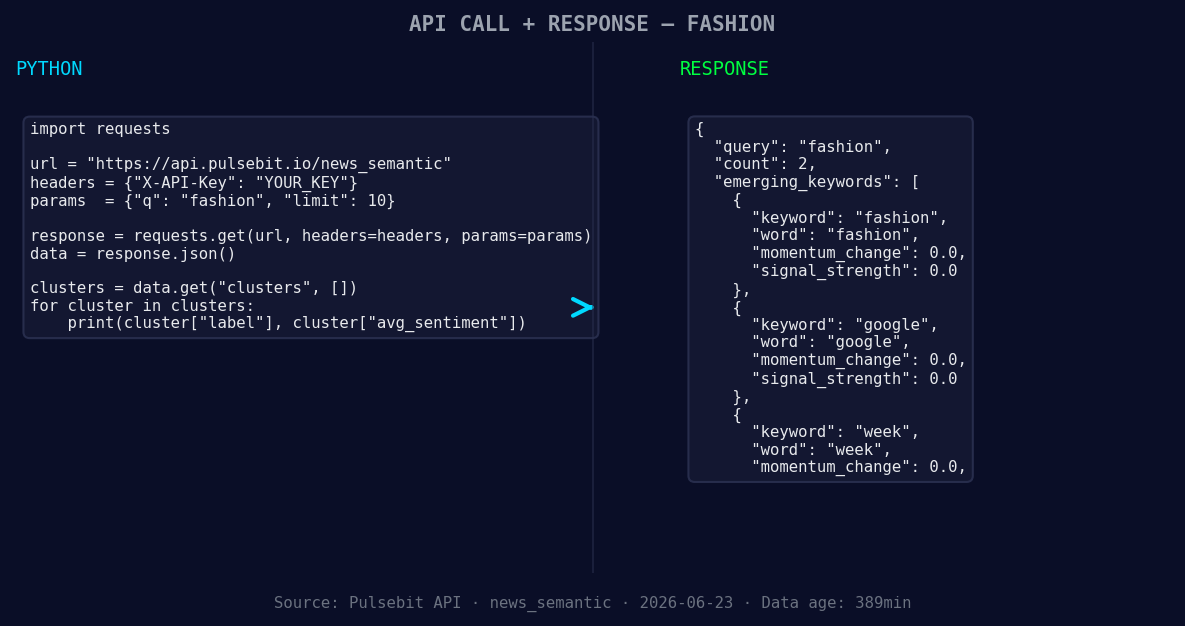
*Left: Python GET /news_semantic call for 'fashion'. Right: returned JSON response structure (clusters: 3). Source: Pulsebit /news_semantic.*
# Step 1: Geographic origin filter
response = requests.get("https://api.pulsebit.com/v1/sentiment", params={
"topic": topic,
"lang": lang,
"momentum": momentum
})
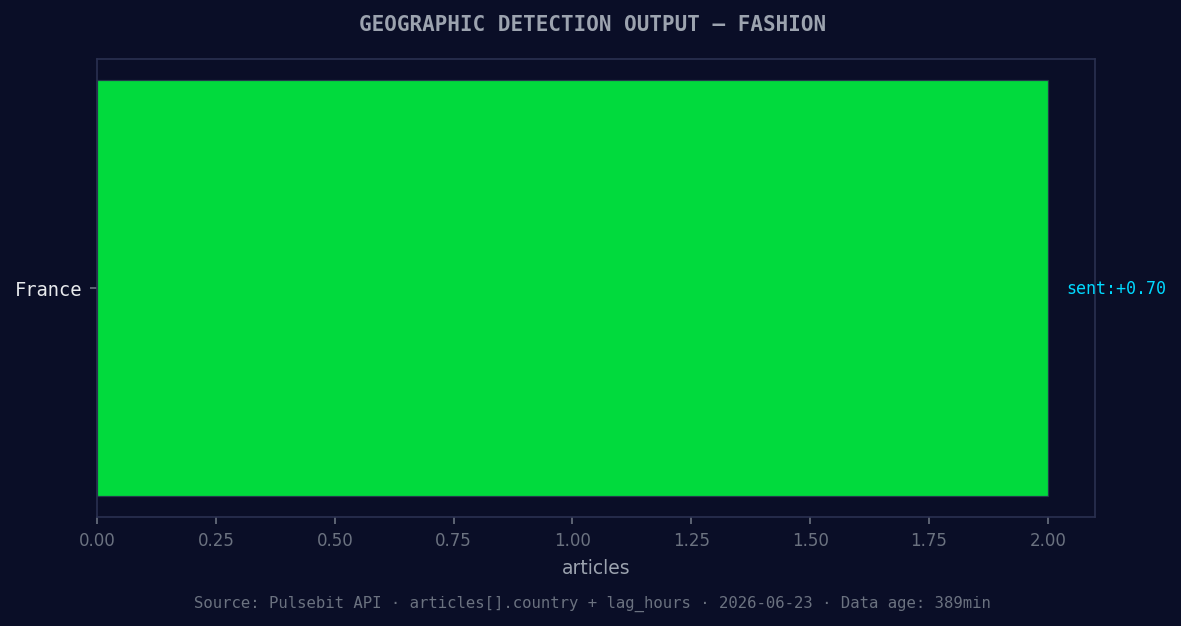
*Geographic detection output for fashion. France leads with 2 articles and sentiment +0.70. Source: Pulsebit /news_recent geographic fields.*
# Check the response
data = response.json()
print(data)
# Step 2: Meta-sentiment moment
cluster_reason = "Clustered by shared themes: premium, basics, sequins:, lectra, maps."
meta_response = requests.post("https://api.pulsebit.com/v1/sentiment", json={
"text": cluster_reason
})
# Check the meta sentiment response
meta_data = meta_response.json()
print(meta_data)
In this code, we first filter for sentiment on the topic of fashion specifically in English. The API call retrieves sentiment data relevant to our query. Next, we run the cluster reason string back through the POST endpoint to score the narrative framing itself. This step is crucial because it gives us insight into how the themes of "premium," "basics," and "sequins" are resonating in the current climate.
Now, let’s discuss three concrete builds you can create with this new pattern. First, you can implement an alert system that triggers when the momentum drops below a threshold of -0.2 for the "fashion" topic. This will ensure you’re notified as soon as a potential trend shift occurs.
Second, leverage the geographic origin filter to create a dashboard that highlights sentiment changes in fashion across different languages. For instance, you can set a threshold for English-language articles with a sentiment score above +0.5, indicating a positive shift.
Lastly, utilize the meta-sentiment loop to enrich your content analysis. Feed the string "Clustered by shared themes: premium, basics, sequins:, lectra, maps." into your analysis pipeline and monitor how these themes evolve over the coming weeks. This can help you understand not just what's being said, but the sentiment driving those discussions.
If you’re ready to dive in, check out our documentation at pulsebit.lojenterprise.com/docs. You can copy-paste and run this code in under 10 minutes. Catching these insights quickly can give you a competitive edge in understanding real-time market sentiment!


Top comments (0)