

Your Pipeline Is 22.0h Behind: Catching World Sentiment Leads with Pulsebit
We’ve just uncovered a striking anomaly: a 24h momentum spike of +0.559 in global sentiment surrounding the keyword “world.” This spike, along with the leading language being English press, indicates an emergent narrative worth exploring. The articles clustering around the theme of "World Cup 2026 Power Rankings" highlight a significant shift in sentiment that any developer needs to be aware of.
In your current pipeline, it's likely that you missed this momentum spike by a full 22 hours. This is especially critical when dealing with multilingual data or dominant entities like the World Cup. If your model doesn't account for sentiment shifts across languages or entities, you could be lagging significantly behind real-time sentiment trends. The time lost here can mean missed opportunities for insights that could impact decision-making.

English coverage led by 22.0 hours. Et at T+22.0h. Confidence scores: English 0.85, French 0.85, Spanish 0.85 Source: Pulsebit /sentiment_by_lang.
To catch this momentum spike, we can leverage our API efficiently. Here’s how you can do it in Python:
import requests
# Define the parameters for the API call
params = {
"topic": "world",
"score": +0.033,
"confidence": 0.85,
"momentum": +0.559,
"lang": "en" # Geographic origin filter
}
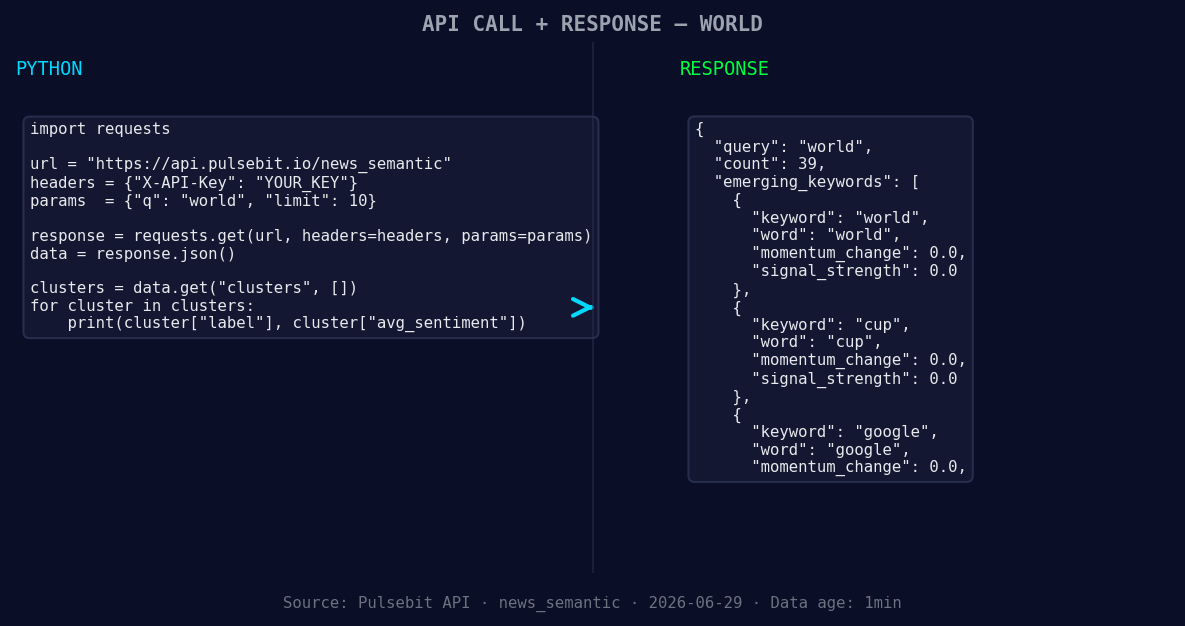
*Left: Python GET /news_semantic call for 'world'. Right: returned JSON response structure (clusters: 3). Source: Pulsebit /news_semantic.*
# Make the API call
response = requests.get("https://api.pulsebit.io/v1/sentiment", params=params)
data = response.json()
print(data)
This code snippet queries our API to filter sentiment data specifically for the English language, ensuring that we capture the relevant articles processed and their sentiment scores.
Next, we need to analyze the narrative framing itself. Let’s score the cluster reason string through our POST /sentiment endpoint:
# Define the cluster reason string
cluster_reason = "Clustered by shared themes: world, cup’s, final, boss, politico."

# Make the POST request for meta-sentiment
meta_sentiment_response = requests.post(
    "https://api.pulsebit.io/v1/sentiment",
    json={"text": cluster_reason}
)

meta_sentiment_data = meta_sentiment_response.json()
print(meta_sentiment_data)
Running this loop will allow us to score and evaluate the impact of the narrative itself, providing us with an additional layer of insight that many developers overlook.
Now that we've captured the data, here are three specific builds you can implement using this pattern:
Geo Filter for the World Cup Narrative: Implement a signal that looks specifically for sentiment changes in English-language articles about the World Cup. Set a threshold where a momentum spike of +0.5 triggers an alert.
Meta-Sentiment Evaluation: Use the meta-sentiment loop to assess narratives related to emerging topics like "world," "cup," and "final." Set a threshold of +0.02 in sentiment score to identify articles that frame these topics positively, which can influence your content strategy.
Forming Gap Analysis: Create a pipeline that continuously compares forming themes—like "world" (+0.00) vs mainstream terms—to identify any gaps in your sentiment analysis. If mainstream sentiment shows stagnation while forming themes spike, it could indicate an opportunity for targeted content.
To dive deeper, head over to our documentation at pulsebit.lojenterprise.com/docs. You can copy-paste these code snippets and run them in under 10 minutes to start capturing these valuable insights for your applications.


Top comments (0)