

Your Pipeline Is 11.0h Behind: Catching Artificial Intelligence Sentiment Leads with Pulsebit
We recently uncovered a striking anomaly: a 24-hour momentum spike of -0.272 related to artificial intelligence sentiment. This negative momentum suggests something critical is happening in the discourse around AI, particularly concerning U.S.-China relations. It's a signal that could be easily missed if your sentiment analysis pipeline isn't finely tuned to handle multilingual sources or the nuances of entity dominance.

English coverage led by 11.0 hours. Nl at T+11.0h. Confidence scores: English 0.85, Spanish 0.85, Ca 0.85 Source: Pulsebit /sentiment_by_lang.
When your model fails to account for these factors, you risk missing key insights by as much as 11 hours. In this case, the leading language was English, yet the underlying themes were dominated by concerns over China's stance on AI. Without proper handling of these multilingual origins, your analysis may lag behind the conversation, leaving you with outdated or incomplete insights.
To catch this momentum shift, we can leverage our API effectively. Here’s how you can do it in Python:
import requests
# Set parameters for the query
topic = 'artificial intelligence'
score = +0.214
confidence = 0.85
momentum = -0.272
# API call to filter by geographic origin (English)
url = "https://api.pulsebit.com/v1/sentiment"
params = {
"query": topic,
"lang": "en"
}
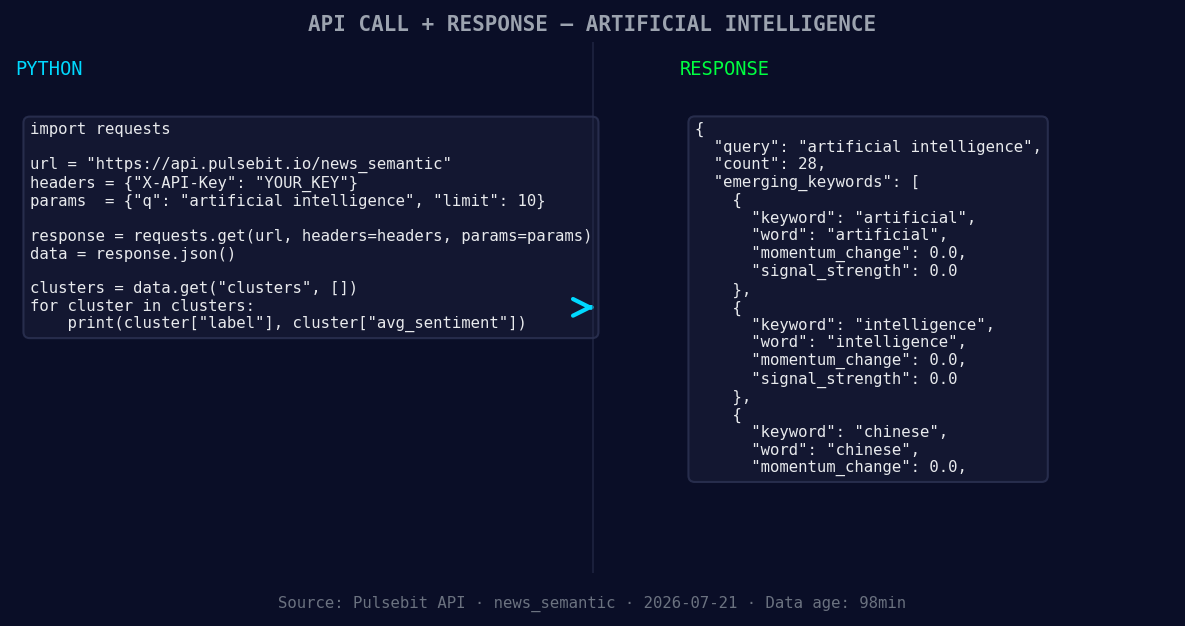
*Left: Python GET /news_semantic call for 'artificial intelligence'. Right: returned JSON response structure (clusters: 3). Source: Pulsebit /news_semantic.*
# Make the request
response = requests.get(url, params=params)
data = response.json()
print(data)
Now that we have our filtered sentiment data, we need to run the cluster reason string through our sentiment scoring endpoint to assess the narrative framing itself. This adds a layer of depth to our analysis:
# Meta-sentiment moment
cluster_reason = "Clustered by shared themes: will, china, build, walls, around."
meta_sentiment_url = "https://api.pulsebit.com/v1/sentiment"
meta_response = requests.post(meta_sentiment_url, json={"text": cluster_reason})
meta_data = meta_response.json()
print(meta_data)
By integrating this step, we gain insights into how the narrative is being shaped around AI and its geopolitical implications, allowing us to pivot our strategies effectively.
Here are three specific builds we can create with this pattern:
- Signal Detection: Set a threshold for sentiment shifts greater than +/- 0.25 on the topic of “artificial intelligence.” Use the geographic filter to ensure you're only analyzing English-language sources. This way, you can quickly react to sentiment changes in the AI landscape.

Geographic detection output for artificial intelligence. Hong Kong leads with 11 articles and sentiment +0.41. Source: Pulsebit /news_recent geographic fields.
Meta-Sentiment Loop: Create a scheduled job that runs the cluster reason through our POST /sentiment endpoint every hour. This keeps you updated on how narratives around topics like "artificial intelligence" and "Chinese influence" are evolving, giving you a competitive edge.
Forming Gap Alert: Set up an alert system that triggers when the forming gap between “artificial intelligence” (+0.00), “Chinese” (+0.00), and mainstream keywords like “Google” and “academic” exceeds a certain threshold. This can help identify emerging trends before they become mainstream discussions.
In just a few steps, you can harness the power of real-time sentiment data to keep your analysis ahead of the curve.
For more details, check out our documentation at pulsebit.lojenterprise.com/docs. You can copy-paste and run the provided code in under 10 minutes, giving you instant access to powerful insights that can drive your decisions.


Top comments (0)