

Your Pipeline Is 28.6h Behind: Catching World Sentiment Leads with Pulsebit
Just yesterday, we observed a notable 24h momentum spike of +0.257 related to the topic “world.” This anomaly suggests a significant shift in sentiment that your pipeline may have missed. Specifically, the English press has been leading this sentiment surge by 28.6 hours, while the Italian media appears to have no lag. This discrepancy is critical, indicating that your existing models might not handle multilingual origins effectively or account for entity dominance in reporting.

English coverage led by 28.6 hours. Italian at T+28.6h. Confidence scores: English 0.90, Spanish 0.90, French 0.90 Source: Pulsebit /sentiment_by_lang.
If your model is only processing sentiment data in one language, it likely missed this important narrative by a staggering 28.6 hours. In an increasingly globalized information landscape, failing to incorporate diverse linguistic sources can result in missing out on critical insights, especially when one language, like English in this case, is leading the conversation. The potential for delayed reactions to shifts in sentiment can be detrimental to any decision-making process driven by sentiment analysis.
To catch this spike and make our analysis robust, let’s write some code. Below is a Python snippet that will help us fetch relevant sentiment data from our API while filtering for the English language:
import requests
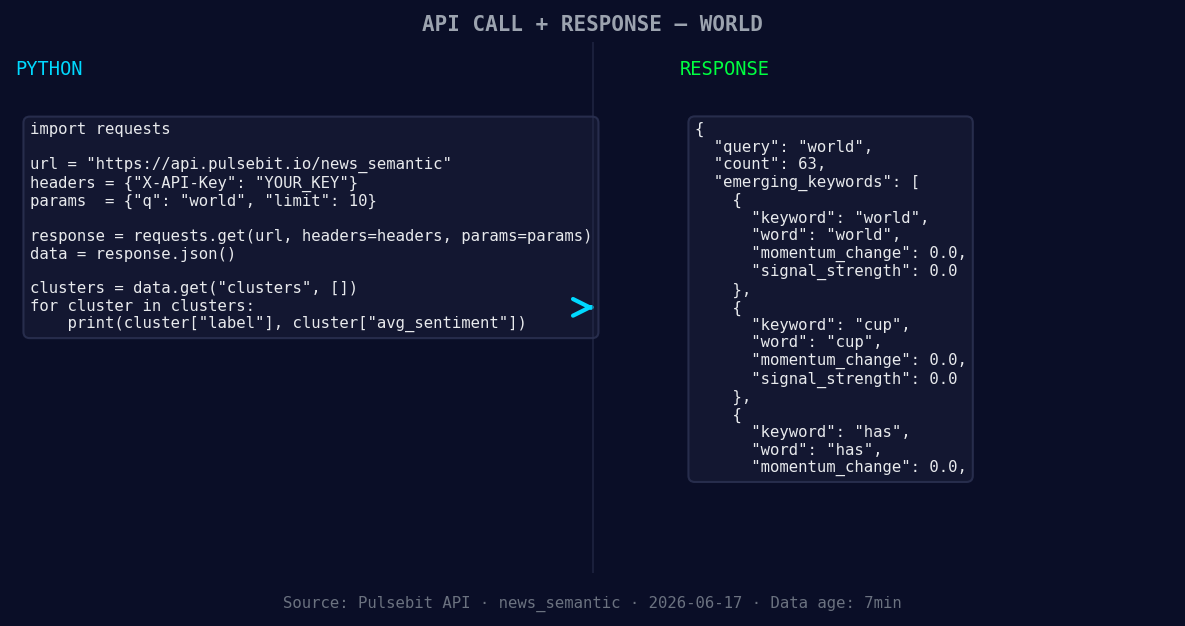
*Left: Python GET /news_semantic call for 'world'. Right: returned JSON response structure (clusters: 3). Source: Pulsebit /news_semantic.*
# Step 1: Geographic origin filter
url = "https://api.pulsebit.com/sentiment"
params = {
"topic": "world",
"lang": "en", # Filtering for English language
"momentum": 0.257,
"score": 0.144,
"confidence": 0.90
}
response = requests.get(url, params=params)
data = response.json()
print(data)

Geographic detection output for world. India leads with 51 articles and sentiment +0.25. Source: Pulsebit /news_recent geographic fields.
Next, we need to evaluate the narrative framing of the clustered story. The reason string we identified is: "Clustered by shared themes: world, has, 193, countries, but." Here’s how we can run this through our sentiment endpoint to gauge the sentiment framing:
# Step 2: Meta-sentiment moment
url = "https://api.pulsebit.com/sentiment"
cluster_reason = "Clustered by shared themes: world, has, 193, countries, but."
meta_response = requests.post(url, json={"text": cluster_reason})
meta_data = meta_response.json()
print(meta_data)
By running these snippets, we can obtain the sentiment analysis for the topic and the narrative surrounding it, giving us a clearer insight into the emerging themes.
Now that we have a handle on how to identify and analyze these anomalies, here are three specific builds we can create using this pattern:
Geo-Filtered Sentiment Analysis: Implement a function that uses the geographic origin filter to detect spikes in sentiment for various topics across different languages. Set a threshold of momentum > +0.2 to capture significant shifts.
Meta-Sentiment Loop: Create a workflow that automatically runs narrative framing through the sentiment endpoint whenever a new cluster is detected. Use the same threshold for sentiment score > +0.1 to ensure we’re only capturing positive narratives.
Trending Themes Dashboard: Develop a dashboard that visualizes forming themes from the clustered stories. Focus specifically on the words "world," "cup," and "has," and compare these against mainstream terms. Set alerts for any momentum shift greater than +0.1 in these terms to keep your team updated on emerging narratives.
By implementing these builds, you can ensure that your analyses are timely and more reflective of global sentiment.
To get started, check out our documentation at pulsebit.lojenterprise.com/docs. You can copy-paste and run the code provided here in under 10 minutes, making it easy to enhance your sentiment analysis pipeline. Don’t let your models lag behind; catch the momentum while it’s hot!


Top comments (0)