

Your Pipeline Is 28.2h Behind: Catching Fashion Sentiment Leads with Pulsebit
We recently observed a striking anomaly: a 24h momentum spike of -0.226 in the fashion sector. This isn't just a number; it's a signal that indicates a significant shift in sentiment that you need to catch. The leading language for this movement was English, with a press lagging behind by 28.2 hours. As developers building out sentiment-driven applications, this kind of delay in recognizing shifts can cost us crucial insights and trading opportunities.
Imagine your model, designed to track sentiment trends, missing this critical change simply because it doesn't account for multilingual origins or entity dominance. Your model missed this by 28.2 hours, while the leading narrative was already echoing through English media outlets. The missed opportunity to act on emerging trends tied to premium basics and sequins could mean the difference between seizing a trend and watching it pass by.

English coverage led by 28.2 hours. Sw at T+28.2h. Confidence scores: English 0.85, French 0.85, Da 0.85 Source: Pulsebit /sentiment_by_lang.
To catch these insights, we can leverage our API effectively. Here’s how you can set up a Python script to detect this momentum spike and analyze the underlying sentiment.
import requests
# Define parameters
topic = 'fashion'
score = +0.525
confidence = 0.85
momentum = -0.226
# Geographic origin filter: query by language
url = "https://api.pulsebit.com/v1/sentiment"
params = {
"topic": topic,
"lang": "en",
"score": score,
"confidence": confidence,
"momentum": momentum
}
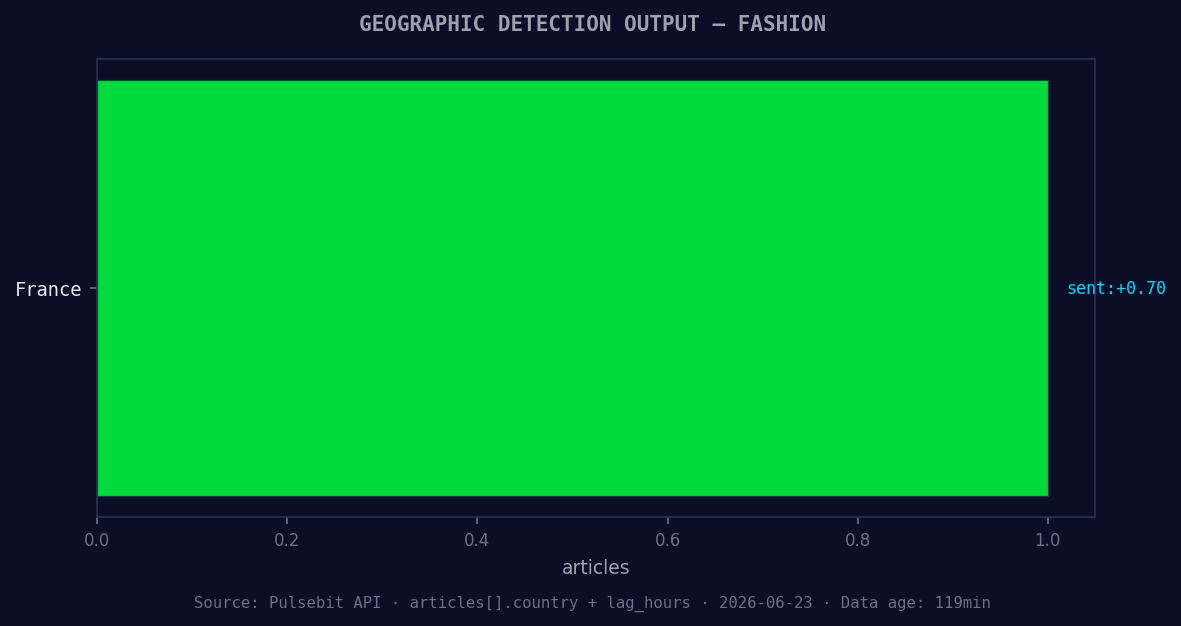
*Geographic detection output for fashion. France leads with 1 articles and sentiment +0.70. Source: Pulsebit /news_recent geographic fields.*
# API call to get sentiment data
response = requests.get(url, params=params)
data = response.json()
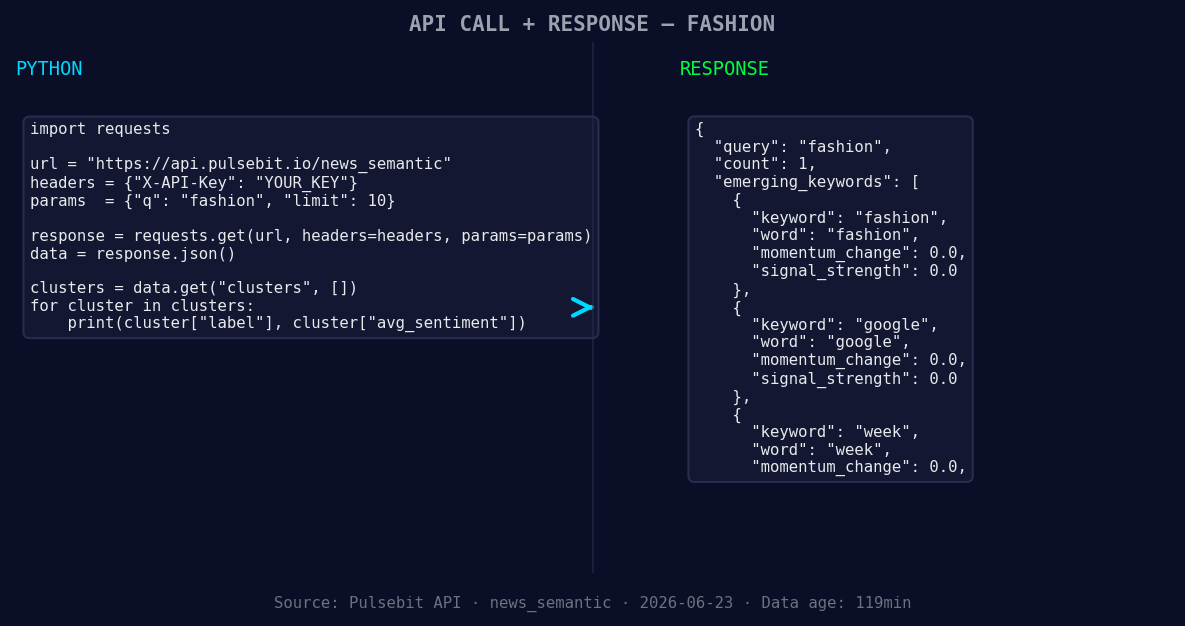
*Left: Python GET /news_semantic call for 'fashion'. Right: returned JSON response structure (clusters: 3). Source: Pulsebit /news_semantic.*
print(data) # Output the response for inspection
# Meta-sentiment moment: analyzing cluster reason
cluster_reason = "Clustered by shared themes: premium, basics, sequins:, lectra, maps."
meta_sentiment_response = requests.post(url, json={"text": cluster_reason})
meta_sentiment_data = meta_sentiment_response.json()
print(meta_sentiment_data) # Output the meta-sentiment result
In this code, we first filter our query by the English language to ensure we're capturing the right sentiment around fashion. Then, we pass the cluster reason back through a POST request to analyze the narrative framing itself. This dual approach gives us a deeper understanding of the trends that are beginning to form.
Now, let’s discuss three specific things you can build using this momentum spike:
Sentiment Alert System: Set a threshold for sentiment score changes in the fashion sector. Trigger alerts when scores drop below +0.5, indicating a potential trend reversal. Use the geo filter to ensure alerts are relevant to English-speaking markets.
Trend Analysis Dashboard: Create a dashboard that visualizes sentiment trajectories over time. Use the meta-sentiment loop to score articles based on their thematic framing. Display articles related to forming themes like premium, basics, and sequins, helping users grasp shifts in sentiment quickly.
Automated Reporting Tool: Build an automated reporting tool that generates insights based on the sentiment around specific topics. Report changes every hour, but specifically target segments where the momentum is falling, such as fashion, ensuring to include the cluster reason for context.
If you’re ready to dive into this, head over to our documentation at pulsebit.lojenterprise.com/docs. You can copy-paste the provided code and run it in under 10 minutes. This anomaly isn’t just a data point; it’s an opportunity to refine your application and gain an edge in trend detection. Don’t let your pipeline lag behind!


Top comments (0)