

Your Pipeline Is 16.0h Behind: Catching Trade Sentiment Leads with Pulsebit
We recently discovered an intriguing anomaly: a 24-hour momentum spike of +0.858 related to trade sentiment. This spike highlights a pressing opportunity to act on emerging trends, particularly as the leading language for this sentiment is French, with a notable 16.0-hour lead time. If your pipeline isn't set up to handle multilingual data effectively, you might be missing out on critical insights like this one.

French coverage led by 16.0 hours. Af at T+16.0h. Confidence scores: French 0.85, English 0.85, Spanish 0.85 Source: Pulsebit /sentiment_by_lang.
This situation reveals a structural gap in pipelines that don’t account for entity dominance or linguistic diversity. Your model missed this by 16.0 hours, relying solely on English sources while the actual momentum was building in French-language articles. The leading insight—“Dolphins Trade with New England”—was hardly on the radar for English-centric models, emphasizing the urgency of adapting to a more global perspective in sentiment analysis.
Let's dive into how we can catch these insights using our API. Here's a straightforward Python snippet that illustrates how to filter sentiment data using geographic origin and analyze the narrative framing.
import requests
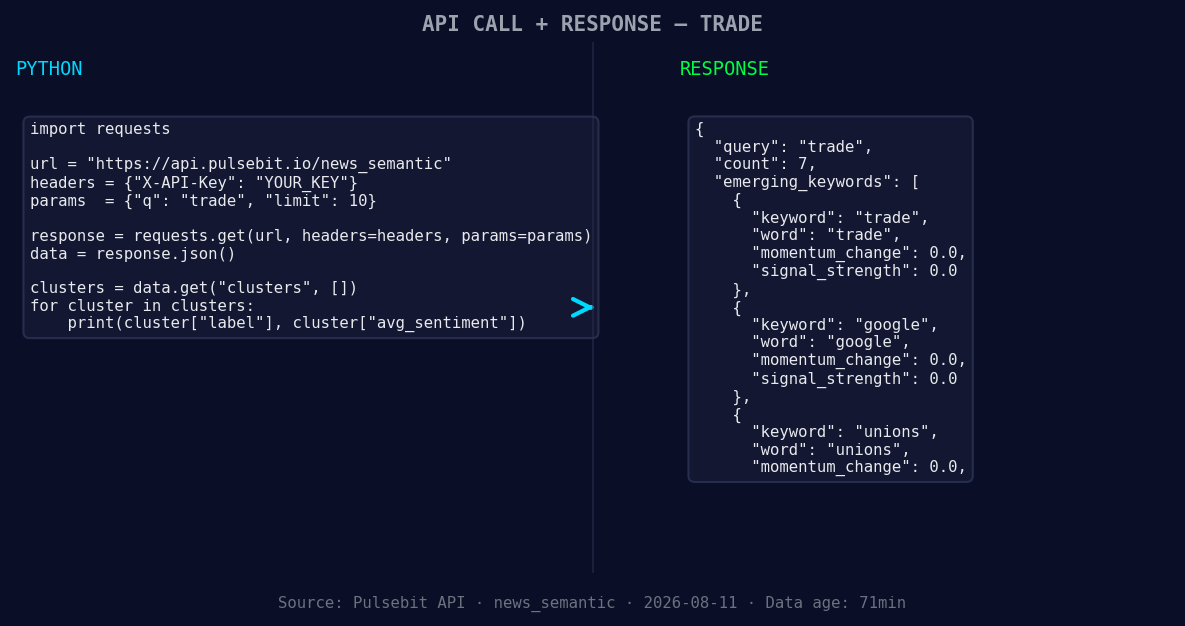
*Left: Python GET /news_semantic call for 'trade'. Right: returned JSON response structure (clusters: 3). Source: Pulsebit /news_semantic.*
# Step 1: Geographic origin filter
url = "https://api.pulsebit.com/v1/sentiment"
params = {
"topic": "trade",
"lang": "fr", # Filtering for French language articles
"score": -0.600,
"confidence": 0.85,
"momentum": +0.858
}
response = requests.get(url, params=params)
french_trade_data = response.json()
# Step 2: Meta-sentiment moment
cluster_reason = "Clustered by shared themes: dolphins, make, trade, new, england."
sentiment_analysis = requests.post(url, json={"text": cluster_reason}).json()
print(f"French trade data: {french_trade_data}")
print(f"Meta-sentiment analysis: {sentiment_analysis}")
In this code, we start by querying our API to retrieve sentiment data specifically in French. We set the parameters to reflect the topic of interest and filter for language. After gathering the relevant data, we run the narrative framing through the sentiment analysis endpoint to evaluate how this cluster of themes is perceived.
Now that we’ve caught this pattern, here are three actionable builds we can implement in our pipeline:
- Geographic Filter for Trade Alerts: Create a trigger system that alerts you when there’s a momentum spike in trade-related discussions, specifically for French-language sources. Set a threshold of +0.5 momentum to highlight significant shifts.

Geographic detection output for trade. India leads with 4 articles and sentiment -0.62. Source: Pulsebit /news_recent geographic fields.
Meta-Sentiment Scoring Integration: Build a function that automatically scores narrative frames around clustered themes. For instance, if the score drops below -0.5, it could indicate a need to review sentiment strategy. This will help in understanding the context behind spikes.
Cross-Language Correlation Checker: Develop a tool to correlate sentiment spikes across languages. If trade sentiment is rising in French while stagnating in English, this could indicate an emerging trend that merits closer examination. Use thresholds like +0.3 momentum as the baseline for alerts.
By implementing these builds, you can stay ahead of market trends and ensure your analyses are as comprehensive as possible.
Ready to get started? Visit pulsebit.lojenterprise.com/docs. You can copy-paste the code above and run this in under 10 minutes to begin capturing these vital insights.


Top comments (0)