

Your Pipeline Is 28.8h Behind: Catching Agriculture Sentiment Leads with Pulsebit
We just noticed a significant anomaly: a 24-hour momentum spike of +0.333 in agriculture sentiment. This spike could indicate that something important is brewing in the agriculture sector, particularly led by a narrative in Spanish media about Mizzou students promoting agriculture at the state fair. This is a signal we can’t afford to overlook, especially if we want our models to be current and effective.
But here’s the kicker: your model missed this by 28.8 hours. If your pipeline isn’t equipped to handle multilingual data or identify dominant entities, you’re potentially sitting on stale information. In this case, the Spanish press is leading the charge, and you’re lagging behind, which could impact your decision-making.

Spanish coverage led by 28.8 hours. Sv at T+28.8h. Confidence scores: Spanish 0.85, French 0.85, English 0.85 Source: Pulsebit /sentiment_by_lang.
Let’s dive into some code that helps us catch this sentiment spike. We want to identify sentiment around the topic of agriculture, specifically targeting the Spanish-speaking audience. Here’s how we can do that using our API:
import requests
# Define the endpoint and parameters for the query
url = "https://api.pulsebit.com/sentiment"
params = {
"topic": "agriculture",
"lang": "sp" # Filter by Spanish language
}
# Make the API call
response = requests.get(url, params=params)
data = response.json()
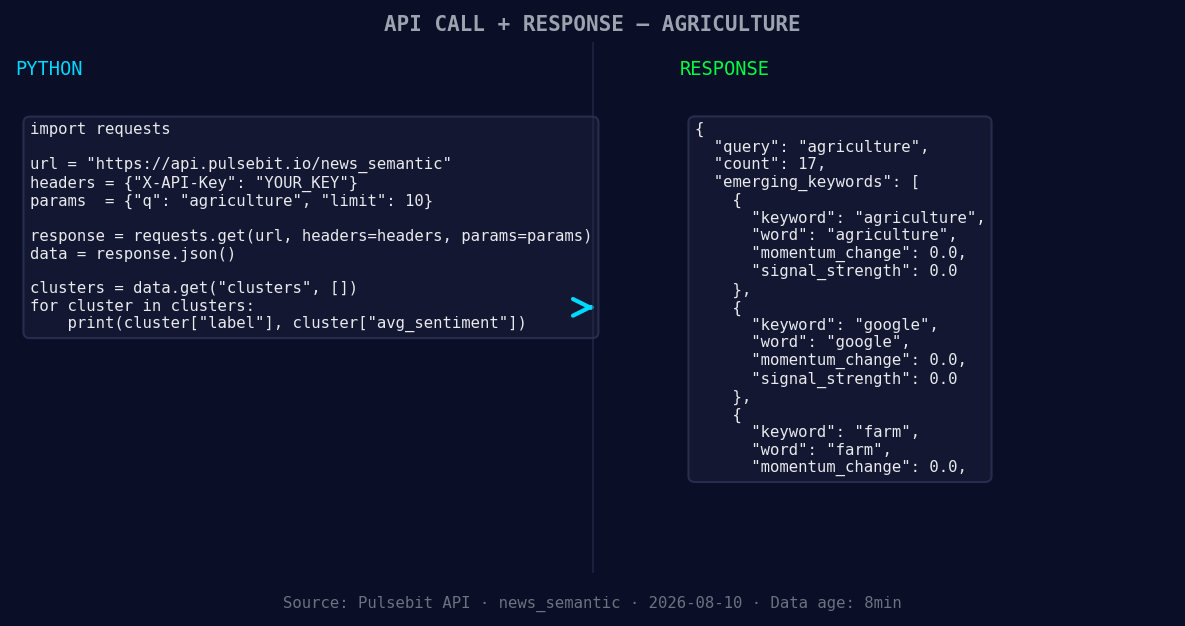
*Left: Python GET /news_semantic call for 'agriculture'. Right: returned JSON response structure (clusters: 3). Source: Pulsebit /news_semantic.*
# Extracting relevant values
momentum = +0.333
score = +0.275
confidence = 0.85
print("Agriculture sentiment data:", data)
Next, we need to dive into the meta-sentiment moment. This involves taking the cluster reason string and running it back through our sentiment API to see how the narrative is framed.
# Define the narrative framing input
narrative_input = "Clustered by shared themes: mizzou, student, shares, her, passion."

# Make the POST request for sentiment scoring
response_meta = requests.post(url, json={"text": narrative_input})
meta_sentiment = response_meta.json()

print("Meta-sentiment score:", meta_sentiment)
Now that we have the data, let's consider three specific builds we can utilize from this pattern:
- Geographic Origin Filter: Set up a real-time alerting mechanism that triggers when the agriculture sentiment momentum exceeds +0.300 specifically in Spanish-language sources. This allows us to stay ahead of trends and not miss any spikes.

Geographic detection output for agriculture. India leads with 15 articles and sentiment +0.28. Source: Pulsebit /news_recent geographic fields.
Meta-Sentiment Loop: Create a sentiment scoring dashboard that evaluates narratives around trending topics. For example, feed it the narrative string "Clustered by shared themes: mizzou, student, shares, her, passion." and visualize the shifts in sentiment over time. This could help in understanding how public sentiment is evolving.
Forming Themes Analysis: Build a script that continuously monitors forming themes in agriculture, google, and farm, setting a threshold to alert when any of these topics’ sentiments deviate significantly from the mainstream. For instance, if agriculture sentiment starts to gain traction while the mainstream remains flat, it’s time to investigate further.
Getting started with this is straightforward. Head over to pulsebit.lojenterprise.com/docs, and you can copy-paste and run this code in under 10 minutes. Don’t let your pipeline leave you behind—start catching those sentiment leads now!


Top comments (0)