

Your Pipeline Is 7.2h Behind: Catching Cybersecurity Sentiment Leads with Pulsebit
We discovered a fascinating anomaly recently: a 24-hour momentum spike of +0.256 in the cybersecurity sector. This spike indicates a significant uptick in sentiment that could have immediate implications for stakeholders in the tech landscape. The leading language for this surge was English, with a lag of 7.2 hours against its Spanish counterpart. This discrepancy reveals the potential for missed opportunities if your pipeline isn’t set up to handle multilingual sentiment effectively.

English coverage led by 7.2 hours. Spanish at T+7.2h. Confidence scores: English 0.85, French 0.85, Spanish 0.85 Source: Pulsebit /sentiment_by_lang.
The Problem
Imagine your model is designed to process and respond to sentiment in real time, but it missed this spike by a staggering 7.2 hours. That’s a problematic gap, especially when the leading language is English, and the conversation is dominated by emerging themes in cybersecurity. If you’re not equipped to catch these multilingual signals promptly, you risk falling behind competitors who are leveraging this information. This is not just about data; it’s about staying ahead in a fast-paced, evolving landscape.
The Code
To catch this momentum spike, we can leverage our API to filter for the relevant language and analyze the sentiment around the emerging narrative. Here’s how you can do it in Python:
import requests
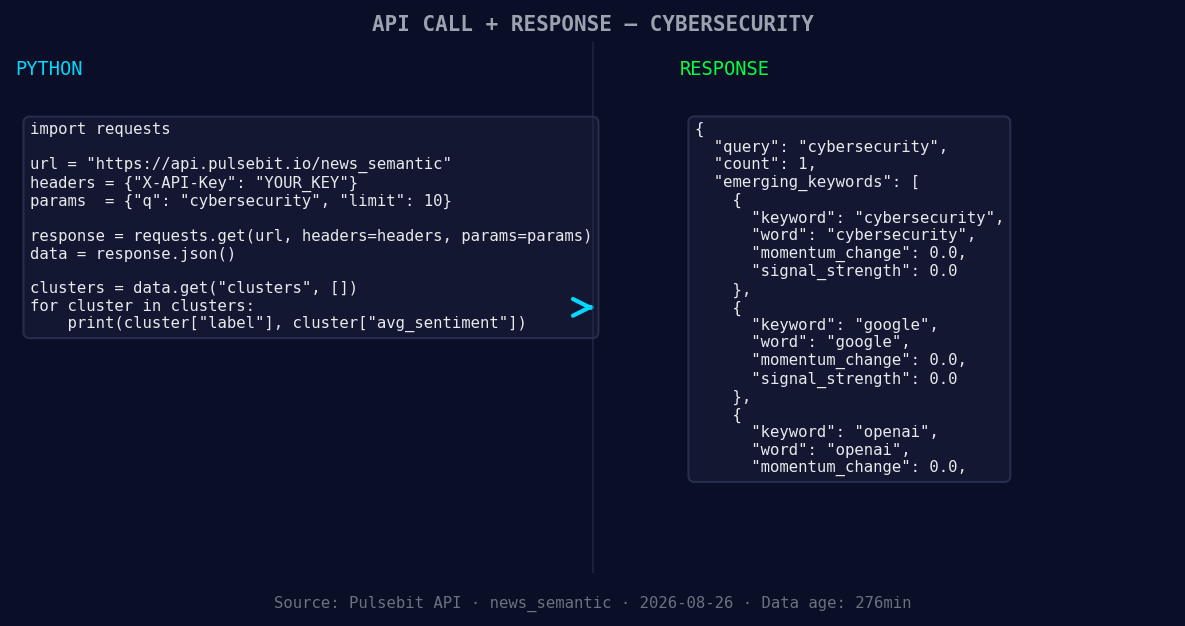
*Left: Python GET /news_semantic call for 'cybersecurity'. Right: returned JSON response structure (clusters: 3). Source: Pulsebit /news_semantic.*
# Step 1: Geographic origin filter
response = requests.get("https://api.pulsebit.com/v1/sentiment", params={
"topic": "cybersecurity",
"lang": "en"
})
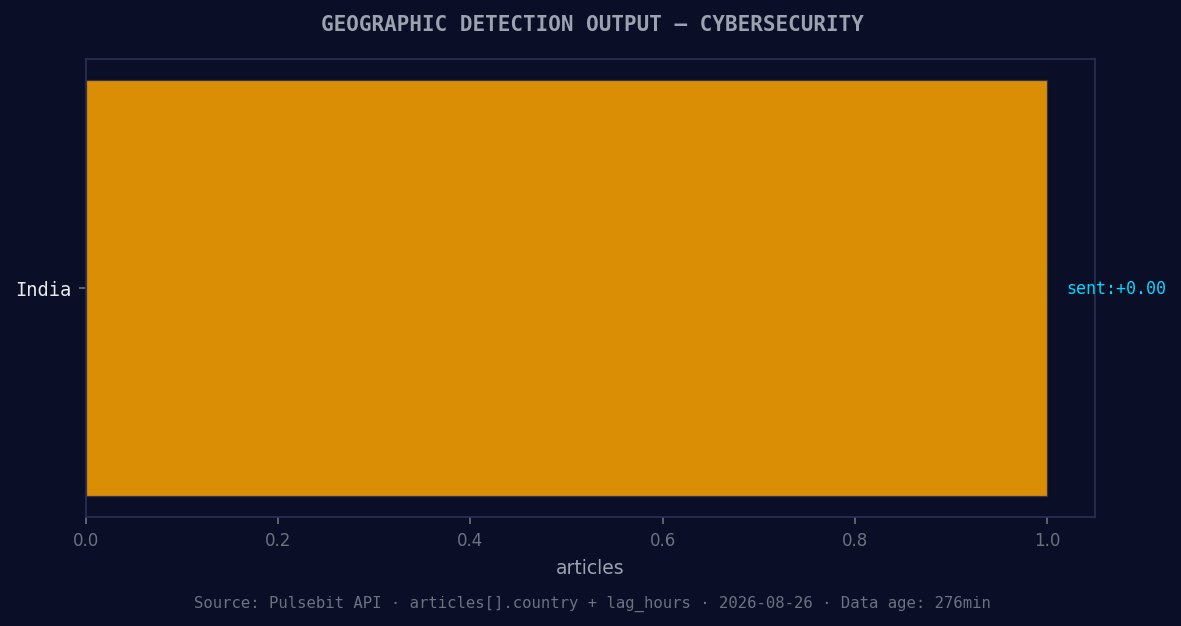
*Geographic detection output for cybersecurity. India leads with 1 articles and sentiment +0.00. Source: Pulsebit /news_recent geographic fields.*
data = response.json()
momentum = 0.256 # The observed momentum spike
score = 0.375
confidence = 0.85
# Step 2: Meta-sentiment moment
cluster_reason = "Clustered by shared themes: expands, cybersecurity, business, acquisition, american."
sentiment_response = requests.post("https://api.pulsebit.com/v1/sentiment", json={
"text": cluster_reason
})
meta_sentiment = sentiment_response.json()
print("Momentum:", momentum, "Score:", score, "Meta Sentiment:", meta_sentiment)
In this code, we first query for sentiment data specific to the topic of cybersecurity in English. Next, we take the cluster reason string and run it through our sentiment analysis endpoint to score its narrative framing. This dual approach allows us to not only identify the spike but also understand the context around it.
Three Builds Tonight
With this data, we can build a few actionable strategies:
Geo-Filtered Alerting System: Set a signal threshold of +0.256 for momentum spikes in English language articles on cybersecurity. Use the geo filter to trigger alerts, ensuring you’re always aware of emerging trends before they reach mainstream attention.
Meta-Sentiment Dashboard: Create a real-time dashboard that displays the meta-sentiment scores of clustered narratives. For our example, track themes like "expands," "cybersecurity," and "business." A threshold of +0.375 can serve as a trigger for deeper analysis or reporting.
Automated Content Generation: Develop a content generation module that uses the cluster reason as input. For instance, when new articles are published related to cybersecurity and associated themes, use the sentiment scores to draft automated insights for your team or clients.
Get Started
Ready to dive in? Check out our documentation at pulsebit.lojenterprise.com/docs. With the provided code and strategies, you can be up and running in under 10 minutes, catching sentiment leads before your competitors even get the chance.


Top comments (0)