

Your Pipeline Is 21.8h Behind: Catching Business Sentiment Leads with Pulsebit
We recently uncovered a striking anomaly: a 24h momentum spike of -0.900 in business sentiment. What does this mean for your data pipeline? It indicates that sentiment in the business sector is taking a sharp downward turn, and if you’re not tracking multiple languages, you may be missing critical insights. In our case, the Spanish press was leading this narrative, surfacing 21.8 hours ahead of other outlets. If your model isn’t equipped to handle multilingual origins, you’re already behind the curve.

Spanish coverage led by 21.8 hours. Ca at T+21.8h. Confidence scores: Spanish 0.85, English 0.85, French 0.85 Source: Pulsebit /sentiment_by_lang.
The problem is clear — your model missed this spike by 21.8 hours. The leading language, Spanish, dominated the conversation around this anomaly, while your pipeline may have focused solely on English sources. This is a structural gap that can lead you to misinterpret market signals, leaving you unprepared for shifts in sentiment that could impact your strategies.
Here’s how to catch these anomalies using our API. First, let’s filter for news articles in Spanish that are related to the business topic:
import requests
# Define the parameters for the API call
params = {
'topic': 'business',
'score': -0.060,
'confidence': 0.85,
'momentum': -0.900,
'lang': 'sp'
}
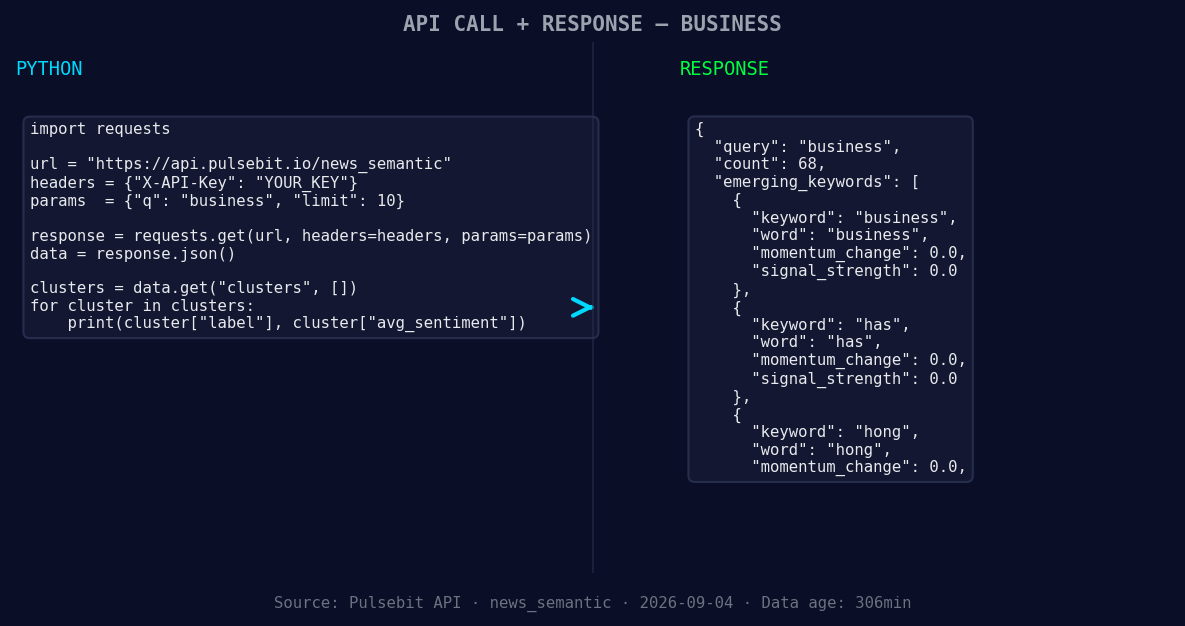
*Left: Python GET /news_semantic call for 'business'. Right: returned JSON response structure (clusters: 3). Source: Pulsebit /news_semantic.*
# Make the API call
response = requests.get('https://api.pulsebit.com/v1/analyze', params=params)
data = response.json()
print(data)
Now that we’ve filtered for relevant articles, we need to analyze the narrative framing. The cluster reason string we found was "Clustered by shared themes: illinois, giant, wind, chime, visitors." Let’s score this narrative using our sentiment endpoint:
# Define the narrative for meta-sentiment analysis
narrative = "Clustered by shared themes: illinois, giant, wind, chime, visitors."

# Make the POST request for sentiment scoring
sentiment_response = requests.post('https://api.pulsebit.com/v1/sentiment', json={"text": narrative})
sentiment_data = sentiment_response.json()

print(sentiment_data)
This meta-sentiment analysis allows us to assess not just the articles but also the themes driving sentiment. Now that we have a clearer picture, here are three specific builds you can implement based on this discovery:
- Geographic Origin Filter: Enhance your sentiment pipeline to include geographic filters that focus on Spanish-speaking regions. Set a signal threshold of -0.050 to trigger alerts for negative sentiment in business articles originating from Spain or Latin America.

Geographic detection output for business. India leads with 12 articles and sentiment +0.33. Source: Pulsebit /news_recent geographic fields.
Meta-Sentiment Loop: Create a loop that scores narratives based on popular cluster themes. Use the identified themes, such as "illinois," "giant," and "wind," to spot emerging stories. Set a threshold of 0.70 confidence for narrative impacts—this will help you prioritize which stories to follow.
Dynamic Alerts for Forming Themes: Implement dynamic alerts for forming themes like "business," "has," and "hong" against the mainstream sentiment. Create a system that triggers when any of these themes score above +0.10. This can help you capture early leads on trending topics.
These builds will allow you to stay ahead of the curve and ensure that your sentiment analysis is responsive and effective.
Ready to get started? Check out our documentation at pulsebit.lojenterprise.com/docs. You can copy-paste and run this code in under 10 minutes, and start capturing those critical business sentiment leads.


Top comments (0)