

Your Pipeline Is 13.2h Behind: Catching Science Sentiment Leads with Pulsebit
We just identified a striking anomaly in our latest sentiment analysis: a 24-hour momentum spike of +0.946. This spike is not just an uptick in data; it highlights a significant shift in the discourse surrounding science, particularly as it relates to the article titled "Hong Kong needs social science to help deliver on its 5-year plan." The leading language is English, with a 13.2-hour lead, suggesting that if your pipeline isn’t tuned to handle this multilingual dynamic, you might be missing critical signals.

English coverage led by 13.2 hours. Nl at T+13.2h. Confidence scores: English 0.80, Spanish 0.80, French 0.80 Source: Pulsebit /sentiment_by_lang.
But here’s the kicker: if your model lacks a mechanism for tracking language or entity dominance, it’s likely that you missed this spike by a staggering 13.2 hours. The dominant entity, Monde, has a 7% share of voice with a positive sentiment score of +0.150. In a rapidly evolving information landscape, that kind of lag can cost you valuable insights.
Let’s dive into how we can catch these signals before they slip through the cracks. Below is a Python snippet that illustrates how to use our API to identify and score these sentiment spikes, leveraging both geographic origin and meta-sentiment analysis.
import requests
# Define parameters for querying the sentiment API
params = {
"topic": "science",
"score": +0.700,
"confidence": 0.80,
"momentum": +0.946,
"lang": "en" # Geographic origin filter
}
# Make the API call to fetch surge in sentiment for the topic
response = requests.get("https://api.pulsebit.com/sentiment", params=params)
data = response.json()
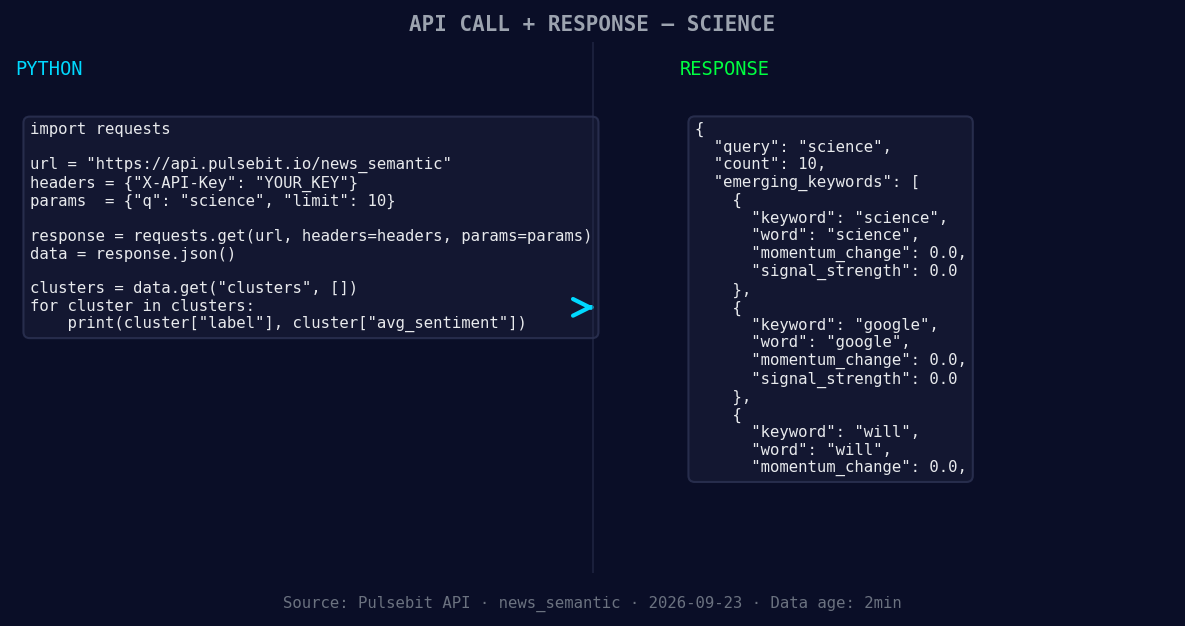
*Left: Python GET /news_semantic call for 'science'. Right: returned JSON response structure (clusters: 3). Source: Pulsebit /news_semantic.*
# Extract the narrative frame for meta-sentiment analysis
meta_sentiment_input = "Clustered by shared themes: its, hong, social, help, plan."
# Run the cluster reason string through POST /sentiment for sentiment scoring
meta_response = requests.post("https://api.pulsebit.com/sentiment", json={"text": meta_sentiment_input})
meta_data = meta_response.json()
# Display results
print("Sentiment Data:", data)
print("Meta-Sentiment Score:", meta_data)
In this code, we first query the sentiment API to capture the momentum spike on our topic of interest—science. We filter by language to ensure we’re getting the right context. Next, we use the article’s thematic summary to score the narrative itself, which provides additional insights into how the story is framed.
Now that we’ve caught the spike, what can we build with this data? Here are three specific ideas:
- Geo-Filtered Science Sentiment Tracker: Set a signal threshold of +0.700 for topics like science, using the geographic filter to ensure we only capture English sources. This can help you monitor emerging trends in science-related discussions across different regions.

Geographic detection output for science. India leads with 6 articles and sentiment +0.69. Source: Pulsebit /news_recent geographic fields.
Meta-Sentiment Analysis Tool: Create a tool that automatically scores themes derived from clustered articles. For instance, using the narrative string "Clustered by shared themes: its, hong, social, help, plan," you can set a confidence threshold of 0.80 to filter out noise and identify key narratives.
Anomaly Notification System: Build a notification system that triggers alerts when a sentiment spike exceeds +0.800 in any language. This could help you catch insights that are forming, like the keywords “science”, “google”, and “will”, which are currently forming against a backdrop of mainstream themes.
With these builds, you can ensure your pipeline is not just reactive but proactively identifying and leveraging emerging trends in real-time.
To get started, head over to our documentation at pulsebit.lojenterprise.com/docs. You can copy-paste the code above and run this in under 10 minutes. Let’s make sure we’re not left 13.2 hours behind again!


Top comments (0)